Check the route that brings in business
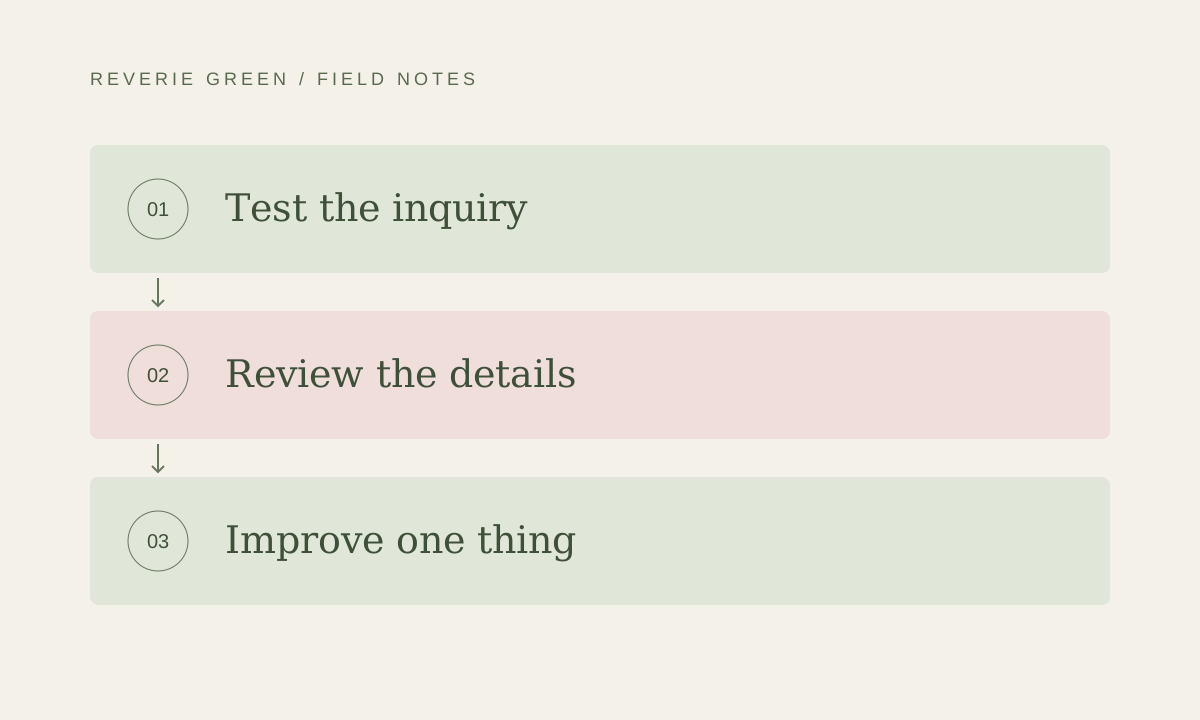
Begin with the action your website exists to support. Submit a test inquiry using clearly labeled test details, follow a booking link or request the information a customer would need. Confirm that the right person receives the result and knows how to respond.
Check the confirmation from the visitor’s side as well. Does it explain what happens next? Is the reply address correct? A form that appears successful but never reaches the team can look perfectly healthy from the homepage. Make delivery part of the review.

Read the details customers rely on
Review contact information, hours, service areas and the current offer. Compare the website with the business information your team actively maintains elsewhere, including its business profile and booking system. Resolve inconsistencies with the owner rather than guessing which source is current.
Look for old staff biographies, expired promotions and services the team no longer provides. Do not leave a seasonal offer live simply because it still looks attractive. Useful maintenance includes removing or redirecting content when it stops helping the customer.
Browse a few pages on a real phone
Choose the homepage, one important service page and the contact page. Open the navigation and read a longer section. Check that images appear, text remains comfortable and buttons are not obscured by overlays. Try the form with the phone keyboard open.
Rotate the pages you review each month so the whole site receives attention over time. Keep a simple issue list with the page, the problem and the expected behavior. A screenshot with a clear description can save a great deal of back-and-forth during a fix.
Review changes before and after they go live
A new script, booking embed or image collection can change the experience beyond the section being edited. Preview changes before publication and repeat the important customer journey afterward. Keep a record of what changed and a usable route back to the previous version.
The technical work varies by platform. A hosted application, a content management system and a simple static website have different update responsibilities. Ask your provider to explain what the care plan includes, what requires separate work and how urgent problems are handled.
Give the next month one clear priority
Finish the review by choosing the most useful improvement. It might be clearer service information, updated project photography or a shorter inquiry form. Assign an owner and define what completion looks like instead of carrying an indefinite list of vague ideas.
Website care works best when it combines reliability with small improvements. A short record of completed changes helps the owner understand what is being maintained and why. Over time, the website should stay aligned with the business rather than drift away from it.
What to carry forward
- Test that customer inquiries actually reach the team.
- Keep hours, offers and service details accurate.
- Record changes and choose one practical improvement each month.